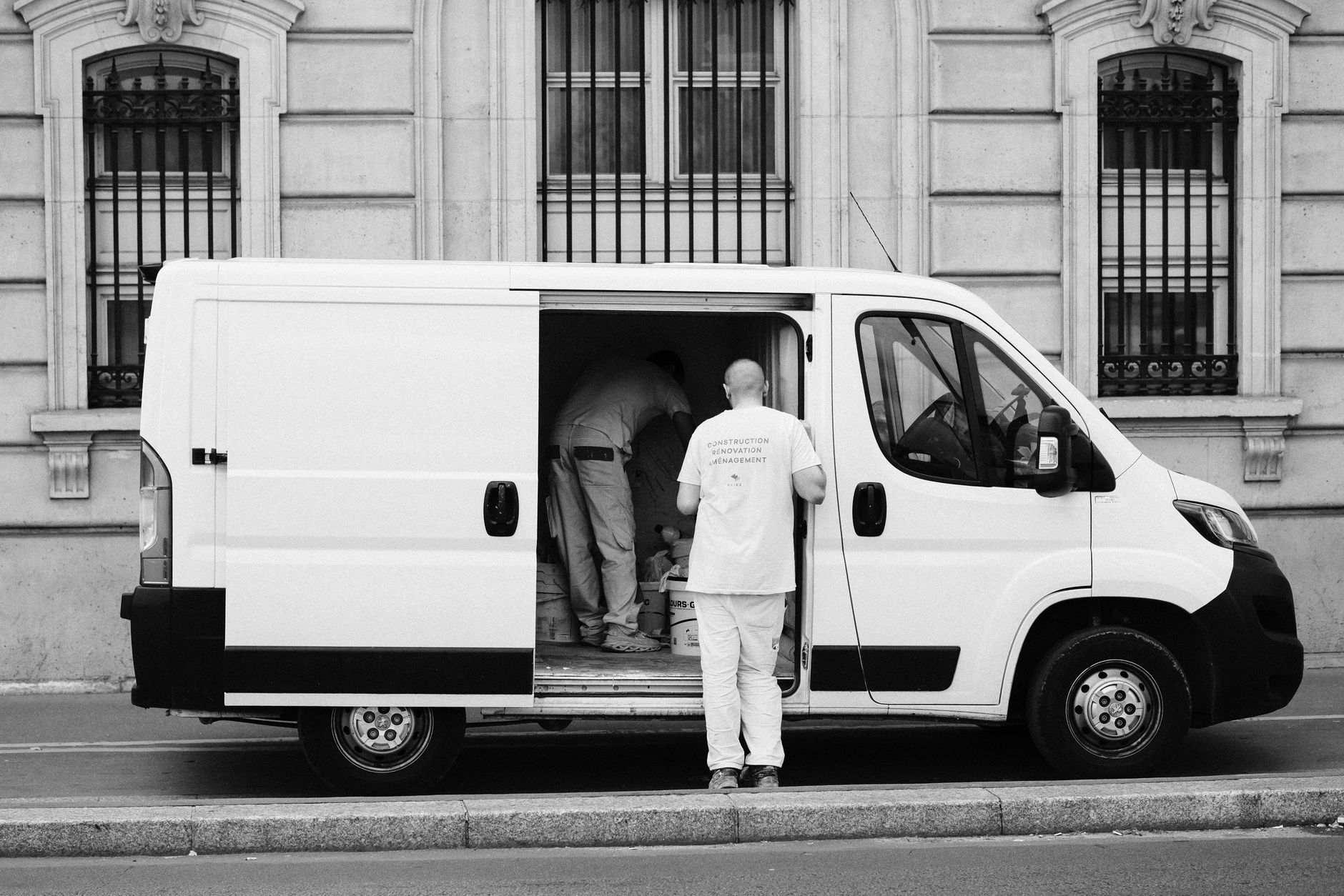
If you serve customers at their location and do not have a storefront, you should set up your Google Business Profile as a service-area business. This setup helps customers find you for jobs in your area and keeps your address private.
This guide covers every step you need to set up your profile the right way. You will learn how to hide your address, select service areas correctly, understand ranking limits, and avoid common mistakes that cost you customers.
What Is a Service-Area Business on Google?
Google defines a service-area business (SAB) as a business that visits or delivers to customers but does not serve customers at its business address. Common examples include plumbers, electricians, locksmiths, and landscapers, anyone who travels to clients instead of having them visit a shop or office.
Setting your business as an SAB is the only way to keep your address hidden on Google Maps and Search. This is essential for privacy, especially if you work from home or do not have a customer-facing location. If you list a physical address for a business that does not serve walk-in customers, your profile can get suspended.
How to Hide Your Address on Google Business Profile
To hide your address, log into your Google Business Profile dashboard and select "Info." Next to your address, click the pencil icon. Delete your address completely, then check the box that says you deliver goods and services to customers at their locations. Save your changes. Google will then only display your service area, not your address, on your public listing.
It is important to note that you must still enter a physical address in your account for verification. This address is not shown publicly. Google uses it to verify you are a real business and to determine the center point for your service area. Never list your home address publicly if you do not accept walk-in customers.
How to Set Your Service Areas Correctly
After hiding your address, you need to set your service areas. In the "Info" section, add cities, postal codes, or other regions you serve. Google lets you enter up to 20 service areas. Choose areas where you actually do business. For example, if you are a plumber based in Plano, Texas, serving Plano, McKinney, and Frisco, list only those cities or zip codes.
Avoid adding every city in your state or casting a wide net. Google will not show your business outside your true service radius. Over-claiming areas can actually hurt your rankings and may even trigger a manual review. Be specific and accurate to help customers who are most likely to hire you find your business.
Why Setting a Huge Service Area Hurts Your Rankings
Many owners think listing a large area will get them more calls. In reality, Google uses your hidden physical address as the center point for where you show up in local search results. The further a searcher is from your real base, the less likely you are to appear in the "Local Pack" or on Maps. Setting a massive service area does not expand your reach, it just dilutes your chances to rank well near your actual location.
For example, if your business is in Arlington and you list all of Dallas and Fort Worth, Google will still only give you visibility near Arlington. Businesses closest to the searcher almost always rank higher. Focus on your true core service area for the best results. For more detail on how Google ranks local businesses, see The Local Pack: How to Get Into Google's Top 3 Map Results.
Ranking Realities for Service-Area Businesses
Service-area businesses face unique ranking challenges. Since your address is hidden, Google relies on your service area settings, your real location, and your online presence to determine where you should show up. You will almost always rank best in the city or zip code where your hidden address is located. Competing in other cities is much harder, even if you list them as service areas.
To improve your chances, keep your service area focused and build a strong online reputation with reviews, accurate information, and a real website. Regular posts and updates to your Google Business Profile can also help. If you want a step-by-step optimization plan, check out our Google Business Profile Optimization Checklist for 2026.
Common Mistakes and How to Avoid Them
One of the most common mistakes is listing a storefront or home address publicly when you do not accept walk-in customers. This can lead to profile suspension. Another mistake is setting service areas that are too broad, which does not help you rank in more places and may actually reduce your visibility.
Always keep your business information up to date. Make sure your phone number, website, and hours are correct. Respond to all reviews, both positive and negative, to show you are active and trustworthy. If you are not sure your profile is set up the right way, you can request a free audit through our service request form.
Frequently Asked Questions
How do I hide my address on Google Business Profile?
Go to your Google Business Profile dashboard, select Info, and edit your address. Remove the address and select that you deliver goods and services to customers. This will hide your address from the public and show only your service area.
Can I set my service area to the whole state?
You can list a large area, but Google will only show your business in areas close to your actual verified address. Listing too broad an area does not help you rank in more places and may lower your visibility.
Do I need a physical address to verify my business?
Yes, Google requires a physical address for verification purposes. This address is not shown to the public if you set your business as a service-area business. It is used to confirm your location and establish the center of your service area.
Why is my business not showing up in the city I listed as a service area?
Google prioritizes businesses closest to the searcher’s location. Even if you list a city as a service area, you will rank best near your actual address. Competing in other cities is difficult without a physical presence there.
What happens if I list my home address publicly?
If you list your home address and do not accept walk-in customers, Google may suspend your profile for violating its guidelines. Always hide your address if you do not have a storefront.